The widget is placed by default in the upper right corner of the project page instead of the Subscribe to Item widget and is displayed as the  icon. By clicking on it, a project participant can configure personal notifications for plan tasks.
You can configure system settings for the Project Notification Settings widget, such as setting display conditions for it. To do this:
- Open the Projects app view form in the interface designer.
- Select the widget and click the gear icon.
- In the window that opens, the Project* field is automatically filled in on the General tab.
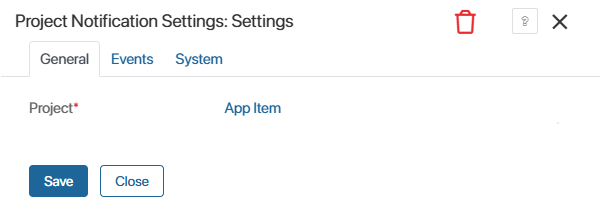
- On the Events and System tabs, change the widget’s system settings.
- Click Save in the widget settings window, then save and publish the app view form.
If your company uses several project types, you can similarly change the widget’s system settings for each of them.