The widget is only available on the process instance page form. By default, it is located on the sidebar and displays the current status of the instance: Waiting, Interrupted, Completed, Error, or In progress.
You can access the widget settings by creating or editing a custom instance page form. To do this:
- Open the modeling designer for the desired business process and go to the Settings > Instance Page tab.
- If you are adding a new page form, click <Default> and then the +Create Form button. A standard form template for an instance page will open, with the Process Instance Status widget already located on the sidebar.
You can also select a previously created form from the drop-down list and click the Edit Form button.
- Select the widget and click the gear icon to open the widget settings.
- On the General tab, the Context* field automatically populates with a system variable that stores the business process context.
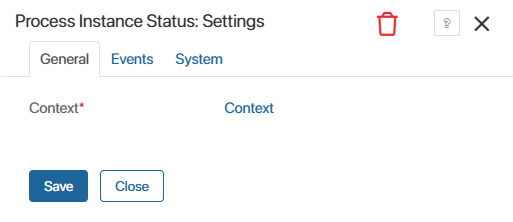
- On the Events and System tabs, you can change the widget’s system settings.
- Click Save in the widget settings window, then save and publish the business process.