If the system administrator has set up link settings for a business process, you can start it from the email page. The email content is then automatically passed to the process context.
For example, after receiving a commercial proposal by email, a manager can start the incoming document registration process from the email page. On the process start form, the attached file, sender, and email body will be filled in automatically. The employee only needs to check the data and submit the proposal for review.
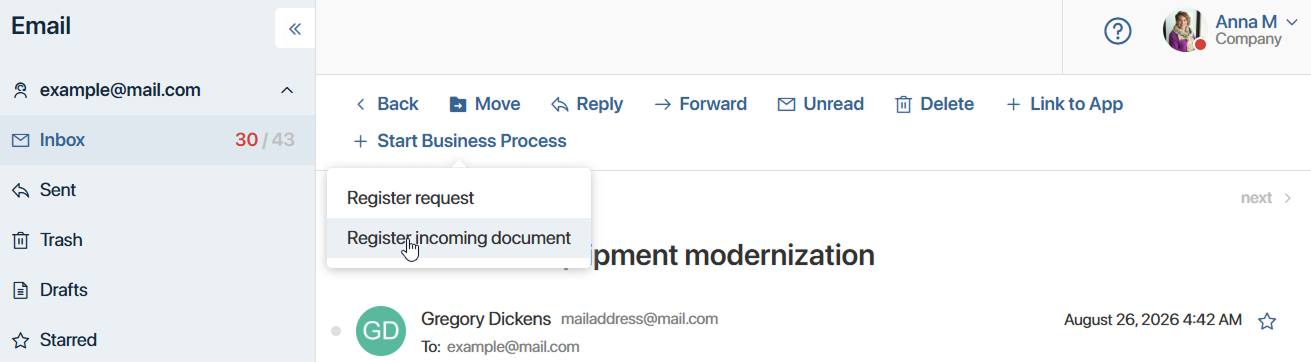
Start a business process from an email
- On the top panel, click + Start Business Process.
Note that this button only appears if the system administrator has configured a process to start from the email page. - From the drop-down list, select which process to start. The number of available options depends on how many processes the system administrator has linked in the email link settings.
- The process start form opens. Its appearance is defined by the system administrator in the settings of the process's start event:
- If the start form isn't configured, you'll see a window with a button to start the process and no additional fields.
- If the administrator has added properties from the process context to the start form, you'll see fields, some of which are already filled in with data from the email. These values are populated automatically based on the administrator's settings. Check these values and fill in any remaining form fields as needed.
- Click the button to proceed with starting the process. The system administrator sets the name of the button.