The Reclassify action allows you to change the request type, specify a different service, override the impact level, urgency, and priority. This option is available for active requests in any status except On hold and Completed.
If SLA recalculation is configured, changing the service will restart the SLA timer. The responsible operator for the request will also be updated.
To reclassify a request:
- Open the request page and click the
 button on the top toolbar.
 - In the window that opens, specify the data to change the request: type, service, urgency, responsible person, and so on.
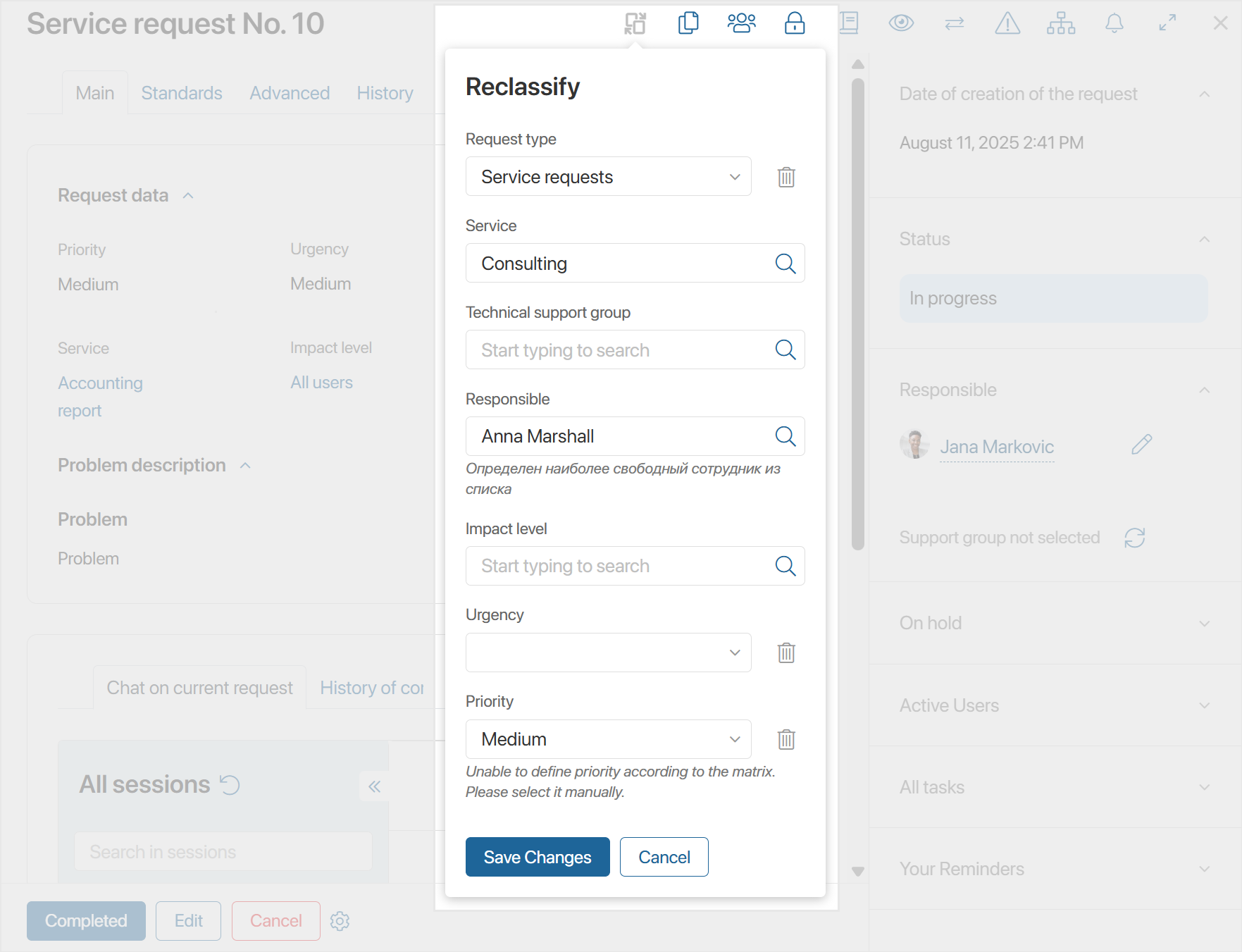
- Click Save Changes.