You can allow other users to access your calendar and events. To do so:
- Go to the permissions settings page in one of the following ways:
- In the left menu of the workspace, select Share My Calendar.
- On the calendar toolbar, click the gear icon and select Share My Calendar.
- On the provided page, click +Add and specify users, a user group and or an org chart item to share your calendar with.
- Select the types of permissions and click Save.
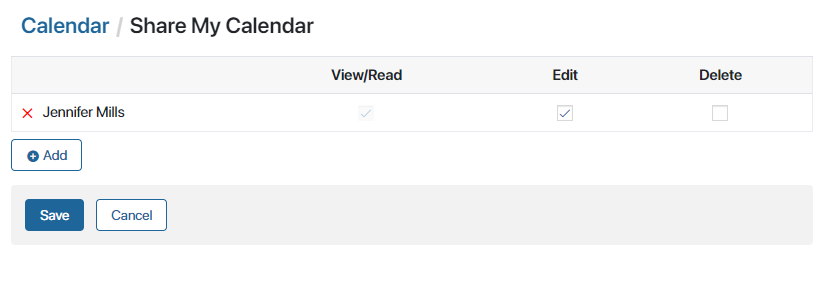
Your calendar will be added to the Available to Me section of the Calendar workspace of the selected users. In this section, they will be able to view your calendar, as well as edit and delete events created in it, if you have given them permissions to do so.