The report allows you to assess operator workload. You can view the number of open and closed requests, as well as those processed with violations.
Set the report parameters in the top panel of the page: specify employees, an operator group or an org chart item, and the period.
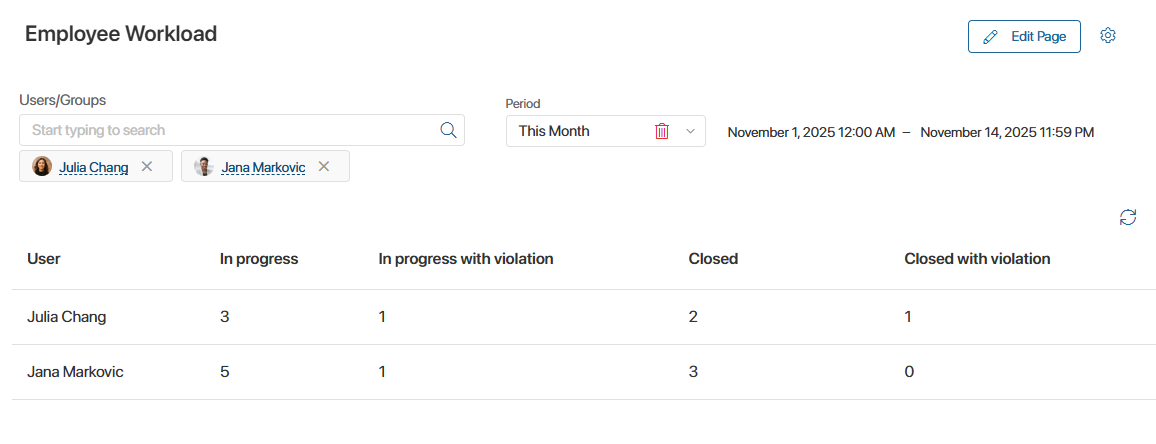
To open a list of requests with a specific status, click on the number in the column. The opened window displays the priority, status, creation date, name, author, and person responsible for the request.
Use the search bar to filter results by requester.
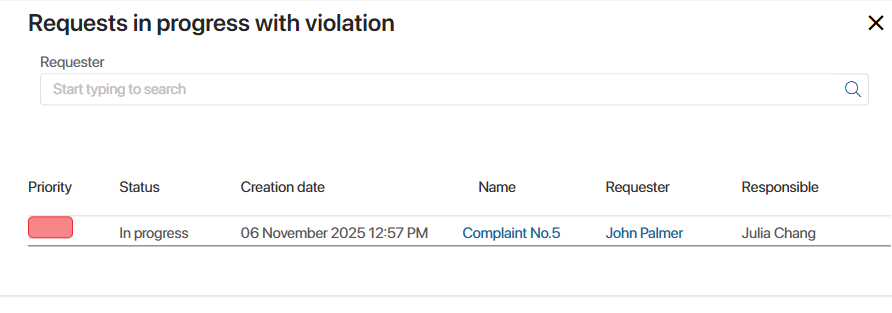
You can go to the request page by clicking on its name.