 This activity allows launching a table-based approval route configured by an employee for a specific app item.
There are two ways a user can set up an approval route, depending on how the administrator configured the initial setup:
- While creating or editing the app item.
- On a task form during a business process.
The Approval Route activity described in this article is used to assign tasks to employees according to the user-defined approval stages.
For details on all initial setup stages, see Initial setup for working with table-based approval routes.
Configure the Approval Route activity
Place the activity in any swimlane of the process flow chart. Double-click it to open the settings window. Configuration is performed on the following tabs: General, Form, Connectors, Error Handling, Start Process, and Description:
- On the General tab, fill in the fields:
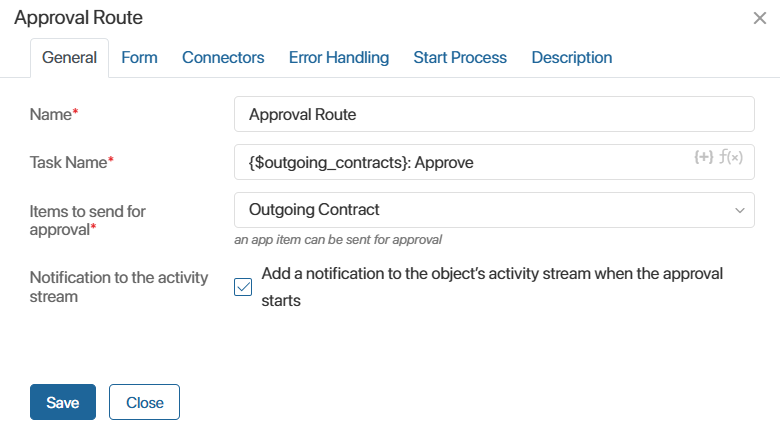
- Specify the name of the activity on the process flow chart.
- Set the name for the approval task that approvers specified in the route will receive.
- In the Item to send for approval* field, select the app whose item will be sent for approval.
- Enable the Notification to the activity stream option to post a message to the #activity stream of the app item when the process reaches the block and table-based approval begins.
- Configure the settings on the Form, Connectors, Error Handling, Start Process, and Description tabs similarly to the configuration in the standard Approval activity.
- Publish the completed process.